The best Microsoft Visio alternatives in 2026 (free and paid)
Microsoft Visio has been the default diagramming tool for decades. It is capable, but it comes with real friction: it is expensive, it is Windows first, and even the web version feels heavy. If all you want is to make a flowchart, an org chart or a process map without the cost and the lock in, you have good options in 2026.
Here are the Visio alternatives worth your time, with honest pros and cons for each. We picked tools that are actively maintained, cover the same core needs (flowcharts, process maps, org charts and diagrams), and are available to individuals, not just enterprises.
1. Cairn, for fast, private, AI-assisted diagrams
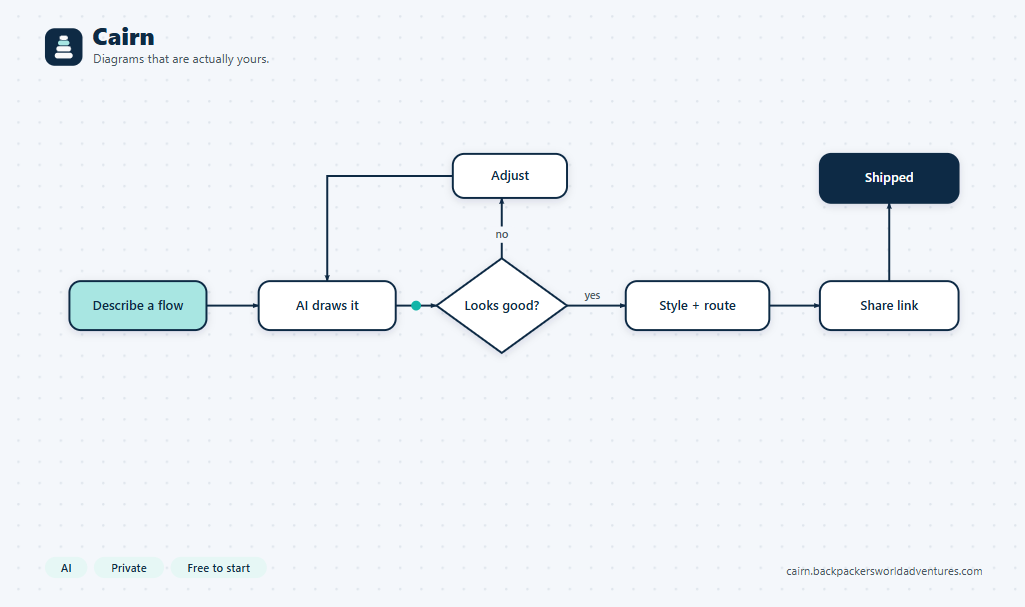
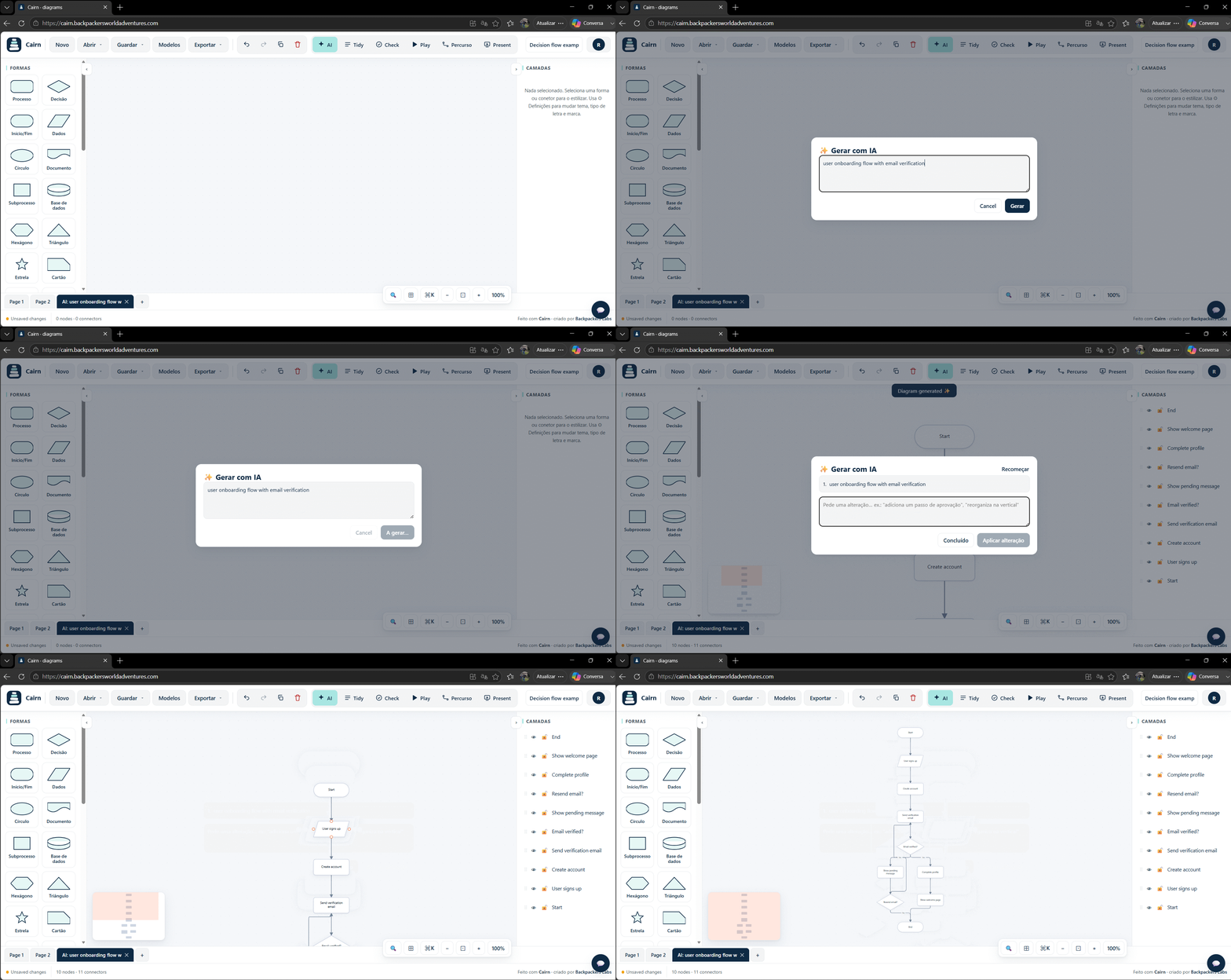
Cairn is a browser based diagram and flowchart builder. You describe a flow in plain language and AI turns it into a diagram, and connectors route around your shapes the way they do in Visio. Your work stays in your browser by default, so it is private and there is nothing to install.
- Pros: free to start with no account, AI generation and editing, private and local first, connectors that avoid your shapes, export to PNG, SVG, PDF and Mermaid, installable as an app.
- Cons: it is newer, so the template library is smaller than the incumbents (it is growing quickly), and real time team collaboration is on the roadmap.
- Best for: anyone who wants to go from idea to diagram in seconds, without a subscription or a heavy desktop app.
2. draw.io (diagrams.net), the best free and open source option
draw.io is a long standing, completely free editor with an enormous shape library. It runs in the browser or as a desktop app and stores files wherever you want, including Google Drive and Confluence.
- Pros: free and open source, huge shape set, works offline, no account required.
- Cons: the interface feels dated, there is no AI, and getting a polished result takes manual work.
- Best for: people who want a free, no nonsense, full featured editor and do not mind doing the layout by hand.
3. Lucidchart, for large teams with a budget
Lucidchart is the polished, enterprise leaning option, with strong real time collaboration, many integrations, and data linking features.
- Pros: refined interface, great collaboration, lots of integrations.
- Cons: it gets expensive per seat, the free tier is limited to a few documents, and it can feel heavy for simple tasks.
- Best for: larger companies that already pay for collaboration tooling and want everything in one suite.
4. Miro, for workshops and whiteboarding
Miro is an infinite canvas built for brainstorming and workshops. You can diagram on it, but its heart is collaborative sticky notes and freeform boards.
- Pros: excellent for live sessions, templates for workshops, strong real time presence.
- Cons: it is more a whiteboard than a precise diagram tool, and it gets pricey at scale.
- Best for: teams that run collaborative workshops and want a shared canvas.
5. Whimsical, for speed and simple docs
Whimsical is fast and clean, and it is pleasant for flowcharts, wireframes and mind maps bundled with lightweight docs.
- Pros: quick, good looking, nice mix of diagrams and docs.
- Cons: less depth for complex technical diagrams, and the free tier is limited.
- Best for: quick, attractive diagrams and product notes.
6. Mermaid, for developers who diagram as code
Mermaid is a text to diagram syntax. You write the diagram as code, and it renders in GitHub, many wikis and docs tools. It is free and version controllable.
- Pros: diagrams live in your repo, easy to version, renders in lots of places.
- Cons: it is code based, so there is a learning curve, and you have limited visual control.
- Best for: developers who want diagrams next to their code. Note that Cairn imports and exports Mermaid, so you can use both together.
At a glance
| Tool | Price | Platform | AI | Private / offline | Best for |
|---|---|---|---|---|---|
| Cairn | Free, Pro 9 EUR/mo | Browser, installable | Yes | Yes, local first | Fast, private diagrams |
| draw.io | Free | Browser, desktop | No | Yes | Free full editor |
| Lucidchart | Paid, limited free | Browser | Some | No | Large teams |
| Miro | Paid, limited free | Browser | Some | No | Workshops |
| Whimsical | Paid, limited free | Browser | Some | No | Quick docs |
| Mermaid | Free | Code / embeds | No | Yes | Developers |
How to choose
- Want speed and privacy without a subscription: Cairn.
- Want free and open source: draw.io.
- Have a budget and a big team: Lucidchart.
- Run collaborative workshops: Miro.
- Diagram as code: Mermaid.
The short version: you do not need to pay for Visio to make great diagrams. Pick the tool that matches how you work, and switch when the friction outweighs the habit.
Try the fastest path, free
Cairn opens in your browser, no account needed. Describe a flow and watch AI draw it, or start from a template.
Try Cairn free Open the free editor