The best Lucidchart alternatives in 2026 (free options included)
Lucidchart is a capable, polished diagramming tool. But it has two catches that send a lot of people looking for something else: it charges per seat, so the bill climbs as your team grows, and everything you make lives in its cloud. If you want a tool that is lighter, cheaper, or keeps your work more private, here are the best Lucidchart alternatives in 2026, free and paid.
1. Cairn, the private, AI-first pick
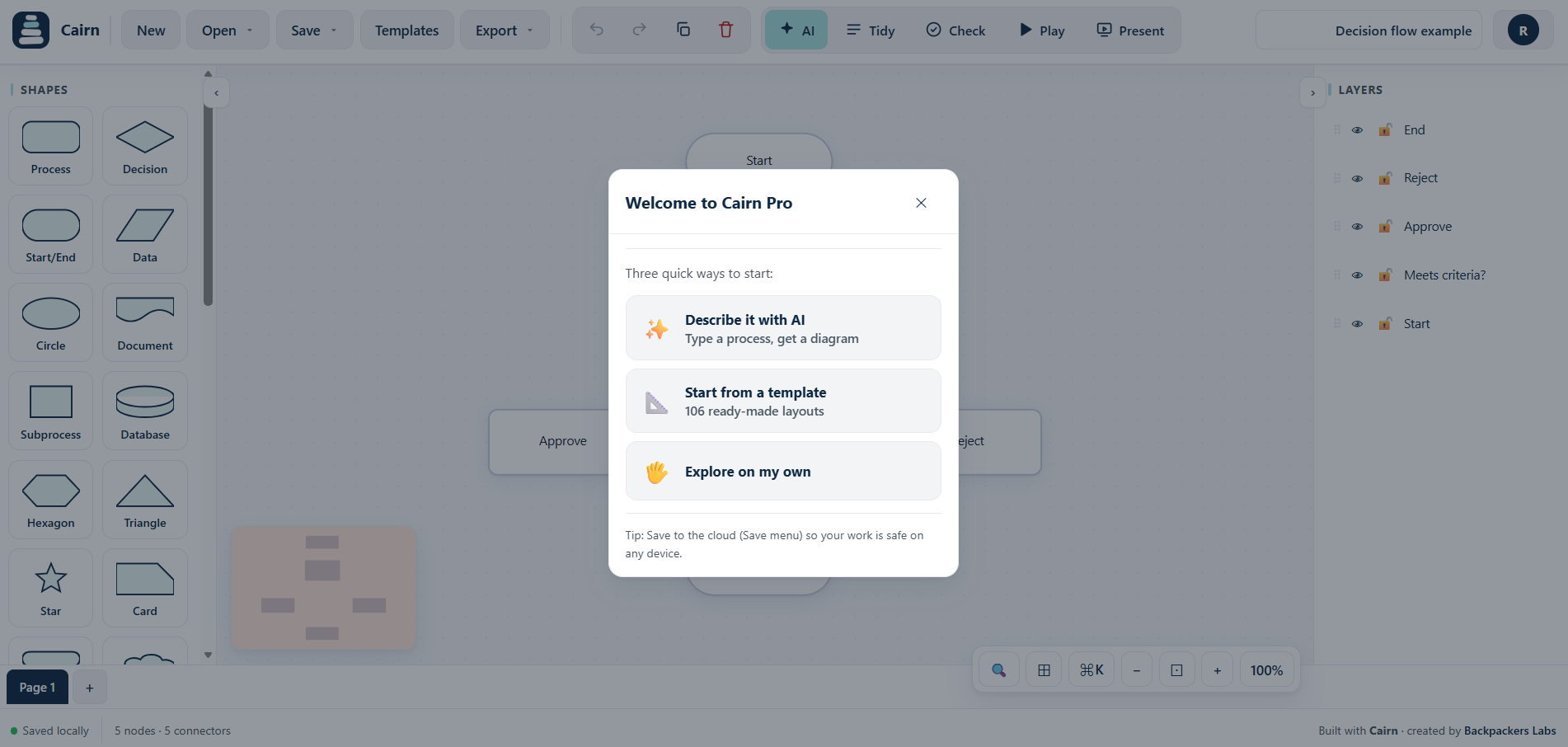
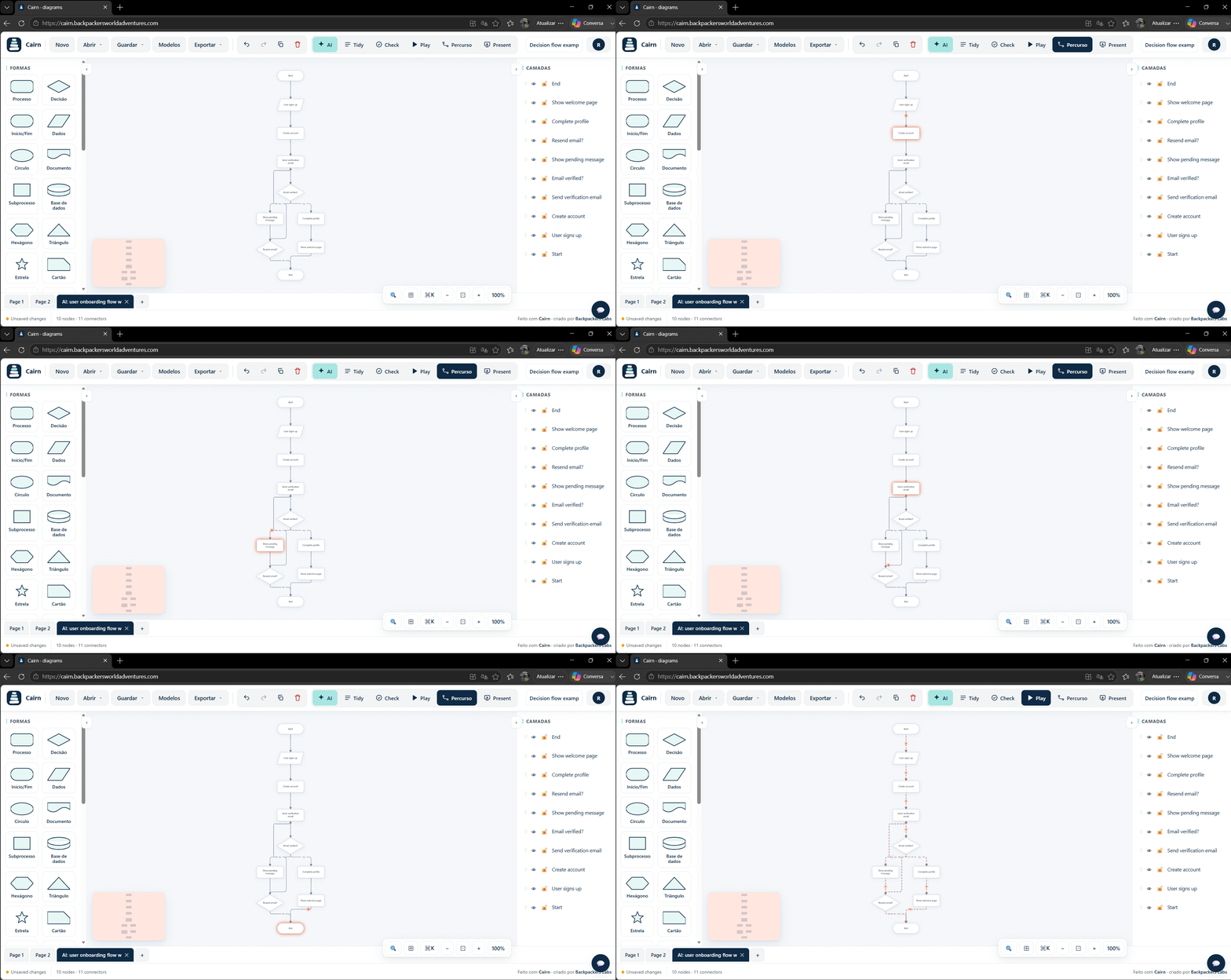
Cairn is a browser based diagram and flowchart builder. You describe a flow in plain language and AI draws it, connectors route around your shapes, and your work stays in your browser by default rather than in someone else's cloud. There is a free plan, and Pro is a flat price, not per seat.
- Pros: free to start, AI generation and editing, private and local first, flat pricing, export to PNG, SVG, PDF and Mermaid, and a live animation mode that walks a flow from start to end.
- Cons: newer, so a smaller template library than Lucidchart (growing fast), and real time collaboration is on the roadmap.
- Best for: individuals and small teams who want speed, privacy and a predictable price.
2. draw.io (diagrams.net), the free workhorse
draw.io is completely free and open source, with a huge shape library and no account required. It stores files wherever you choose, including Google Drive and Confluence.
- Pros: free, open source, works offline, enormous shape set.
- Cons: dated interface, no AI, and polished results take manual effort.
- Best for: people who want everything for free and do not mind laying out by hand.
3. Excalidraw, for quick hand-drawn diagrams
Excalidraw has a distinctive sketchy, hand-drawn look. It is free, fast and great for rough diagrams and whiteboarding.
- Pros: free, very fast, charming style, open source.
- Cons: deliberately informal, so less suited to precise, formal diagrams.
- Best for: quick sketches, architecture doodles and brainstorms.
4. Miro, for workshops
Miro is an infinite canvas built for collaborative sessions. You can diagram on it, but its strength is live brainstorming.
- Pros: excellent for workshops, strong real time collaboration, many templates.
- Cons: more whiteboard than precise diagram tool, and it gets pricey at scale.
- Best for: teams that run collaborative sessions.
5. Whimsical, for quick docs
Whimsical is fast and clean, and pleasant for flowcharts, wireframes and mind maps combined with lightweight docs.
- Pros: quick, good looking, nice mix of diagrams and docs.
- Cons: limited depth for complex technical diagrams, limited free tier.
- Best for: attractive diagrams and product notes.
6. Mermaid, for diagram as code
Mermaid turns text into diagrams that render in GitHub and many docs tools. It is free and version controllable.
- Pros: diagrams live in your repo, easy to version.
- Cons: code based, with a learning curve and limited visual control.
- Best for: developers. Cairn imports and exports Mermaid, so you can use both.
At a glance
| Tool | Price | AI | Private / offline | Pricing model | Best for |
|---|---|---|---|---|---|
| Cairn | Free, Pro 9 EUR/mo | Yes | Yes, local first | Flat | Private, fast diagrams |
| draw.io | Free | No | Yes | Free | Free full editor |
| Excalidraw | Free, paid plus | Some | Yes | Flat | Quick sketches |
| Miro | Paid, limited free | Some | No | Per seat | Workshops |
| Whimsical | Paid, limited free | Some | No | Per seat | Quick docs |
| Mermaid | Free | No | Yes | Free | Developers |
How to choose
- Want privacy, AI and a flat price: Cairn.
- Want free and full featured: draw.io.
- Want quick, informal sketches: Excalidraw.
- Run workshops: Miro.
- Diagram as code: Mermaid.
Lucidchart is a fine tool. But if the per-seat pricing or the cloud-only storage do not fit you, one of these will.
Try a private, flat-priced alternative
Cairn opens in your browser, free, no account needed. Your diagrams stay yours.
Try Cairn free See Visio alternatives tooRelated: Lucidchart alternative, free diagram tool, Visio alternative, AI flowchart maker.