How to make an org chart online (free, with AI)
An org chart shows who does what and who reports to whom. It is one of the most useful diagrams a team can have, and one of the most annoying to build by hand: boxes, lines, and a full redo every time someone joins or moves. Here is how to make one online in minutes, for free, using AI or a template.
You only need a browser. We will use Cairn, which is free to start and needs no account.
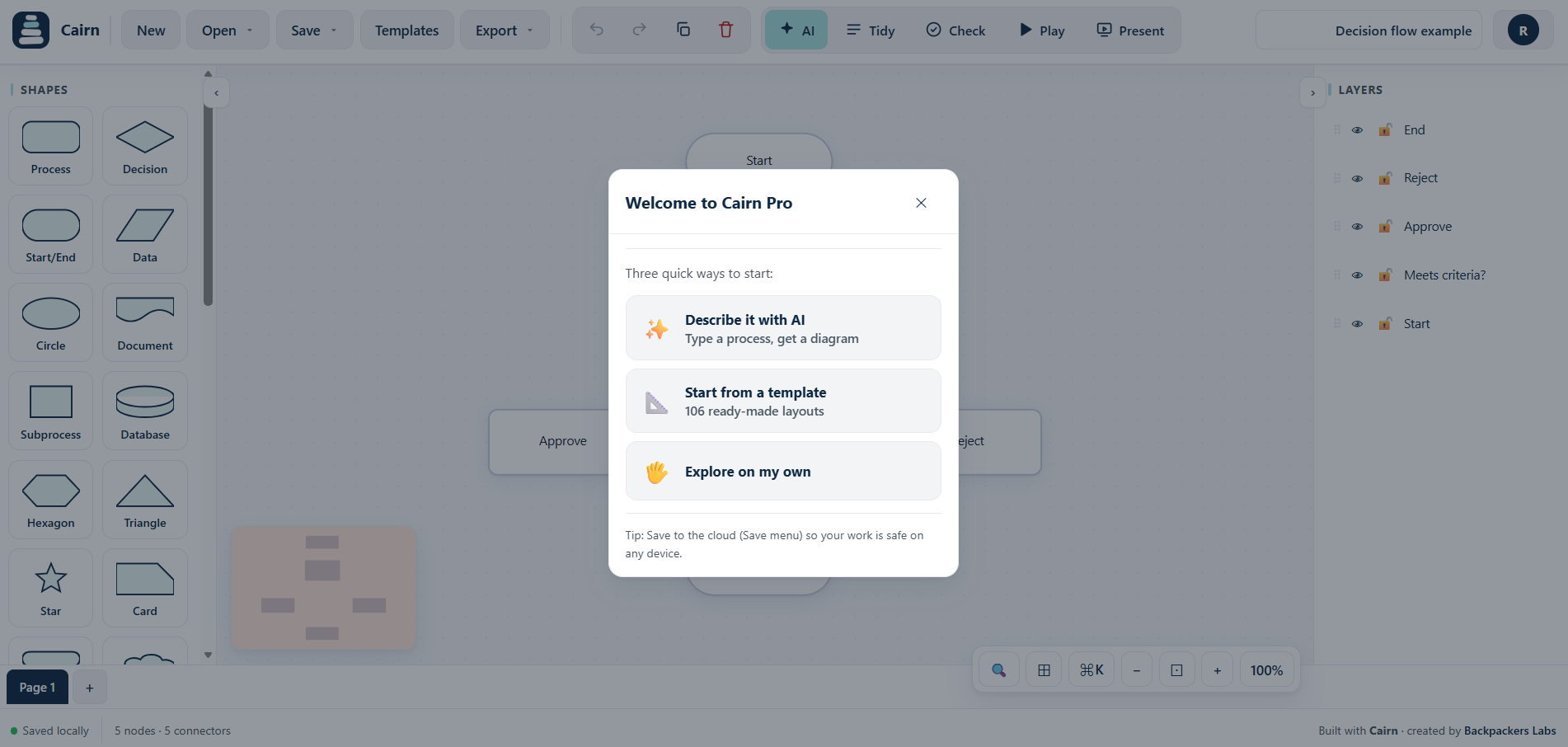
Step 1: Start from a template or describe your team
You have two fast starting points. Open the template gallery and pick the org chart template, or click the AI button and describe your structure in plain words:
Step 2: Let AI build the hierarchy
Cairn reads your description and lays out the levels, connects each person to their manager, and spaces everything cleanly. You get an editable chart, not a flat image.
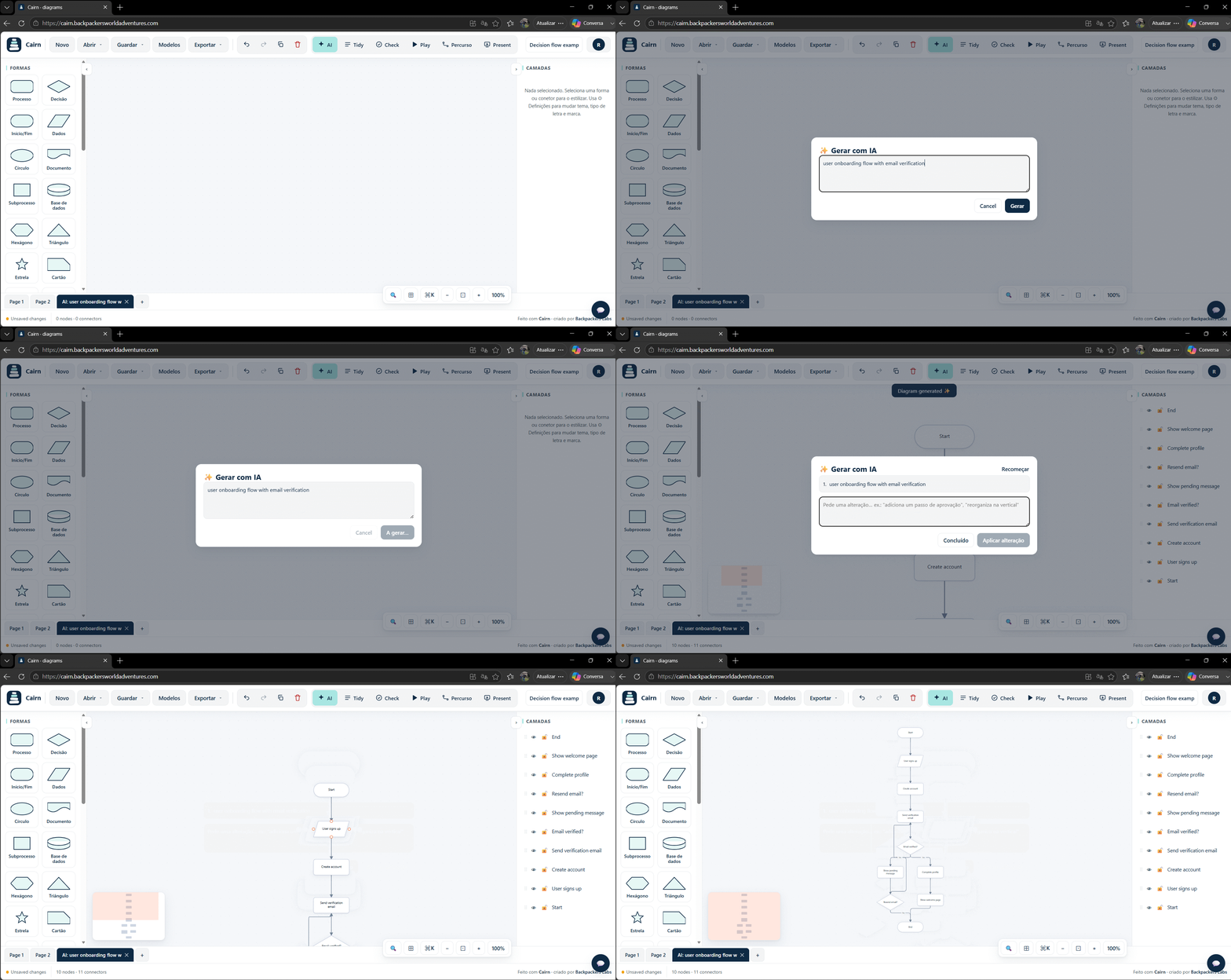
Step 3: Add, remove and restyle
Edit directly: drag boxes, rename people, add a new hire under a manager, or remove a role. Change colours to mark departments, and use Tidy to re-align the whole chart after changes. Ask the AI for edits too, like "add a Marketing team under the CEO".
Step 4: Export or share
Export to PNG, SVG or PDF to drop into a deck or a wiki, or share a read-only link. Your chart stays in your browser by default, which is handy when the structure is sensitive.
Tips for a clean org chart
- List people manager first, then their reports, so the AI gets the levels right.
- Use colour by department to make a large chart readable at a glance.
- Keep titles short. Put detail in a note if you need it.
- For big organisations, make one chart per department and link them.
Build your org chart now
Cairn opens in your browser, free, no account needed. Start from a template or let AI draw it.
Try Cairn free How to make a flowchart with AIRelated: org chart maker, organizational chart, free org chart tool, AI diagram generator.