Swimlane diagrams: what they are and how to make one
A normal flowchart shows the steps of a process. A swimlane diagram adds a crucial extra layer: it shows who does each step. It splits the flow into parallel lanes, one per person, team or system, so you can see exactly where work hands off from one group to another, and where it bounces back.
They are also called cross-functional flowcharts, and they are one of the most useful diagrams for improving a real process, because the handoffs between lanes are usually where things get stuck.
When to use a swimlane diagram
- Cross-team processes: an order that moves from Sales to Finance to Delivery.
- Approvals: where a request bounces between a requester, a manager and finance.
- Onboarding: steps owned by HR, IT and the hiring manager.
- Anything with handoffs: if work changes hands, a swimlane makes the seams visible.
How to make one in Cairn
You have two fast ways, both free and in the browser.
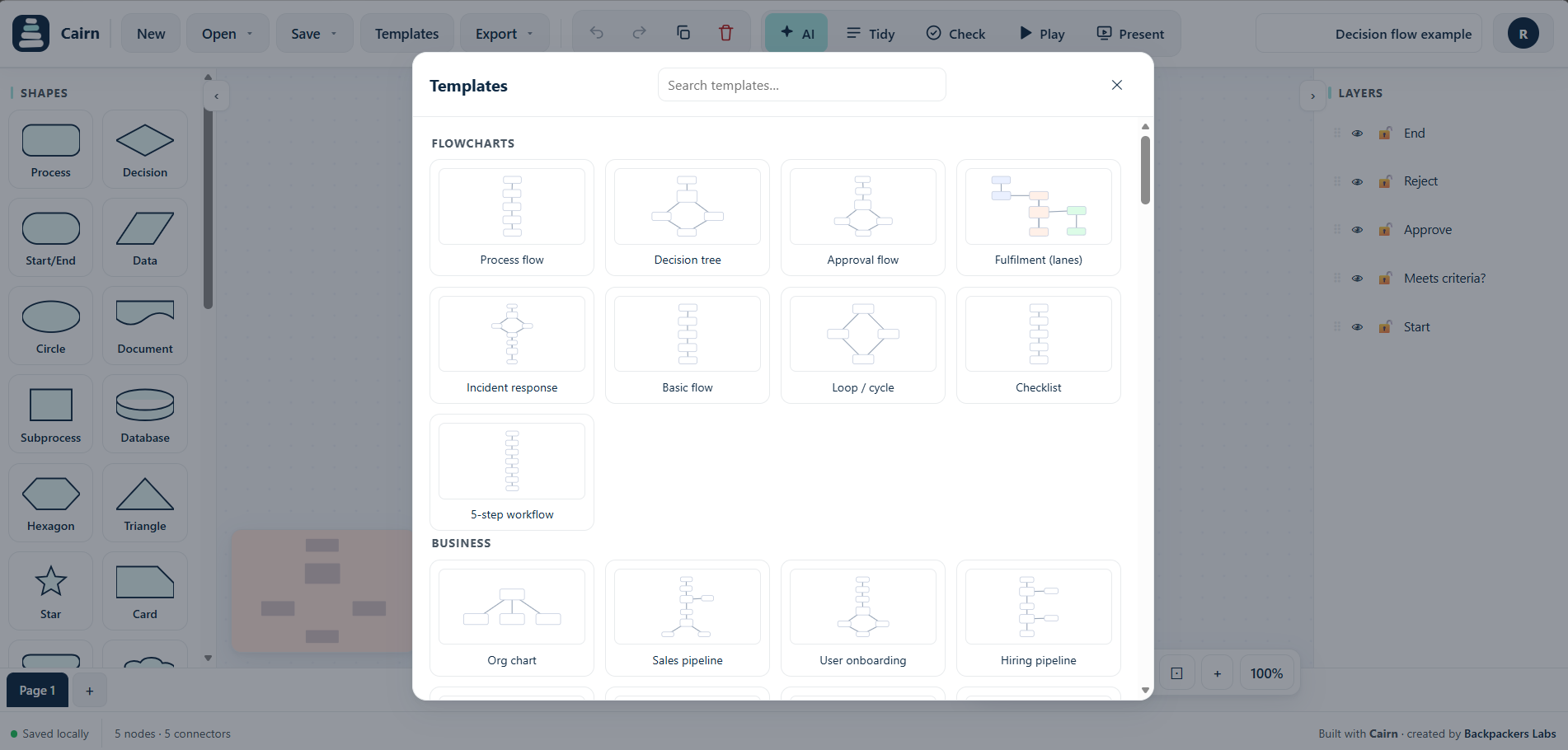
- Start from a template. Open the template gallery and look under Cross-functional. Cairn ships with ready made multi-team flows (a sales handoff, a content pipeline, a purchase approval) that you can rename to fit your process.
- Describe it to the AI. Say who does what and it will place each step in the right lane, for example: "Sales creates the quote, Finance approves pricing, Delivery provisions the service, then Sales notifies the customer."
Tips
- Give each lane one owner. If two teams share a step, that is often the problem to fix.
- Colour the steps by lane so the flow is readable even when arrows cross.
- Mark the handoffs: the arrows that jump between lanes are where delays hide.
- Keep loops explicit. Show clearly when work goes back to a previous lane for rework.
Make a swimlane diagram now
Open Cairn, pick a cross-functional template or describe your process, free and in your browser.
Try Cairn free How to make a flowchart with AIRelated: swimlane diagram, cross-functional flowchart, process map, flowchart maker.